Dashboards

Pick a dash. Or build your own.

DashPilot turns your phone into a live dashboard for your car. It ships with a set of modular dash apps — swap between them anytime, each with its own look but the same rich, real-time telemetry off the bus.

Dash apps

Six ways to read the road

The Vanilla dash app running in DashPilot

Vanilla

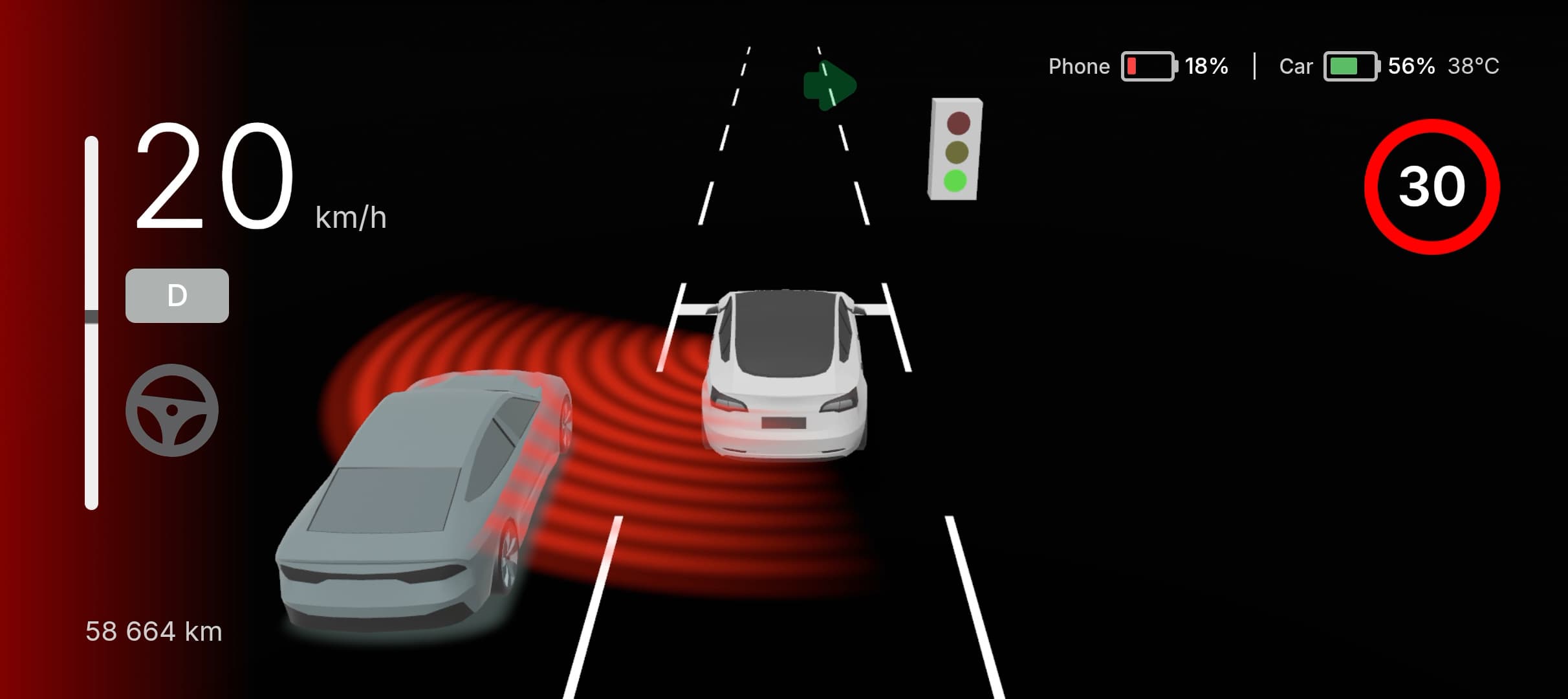
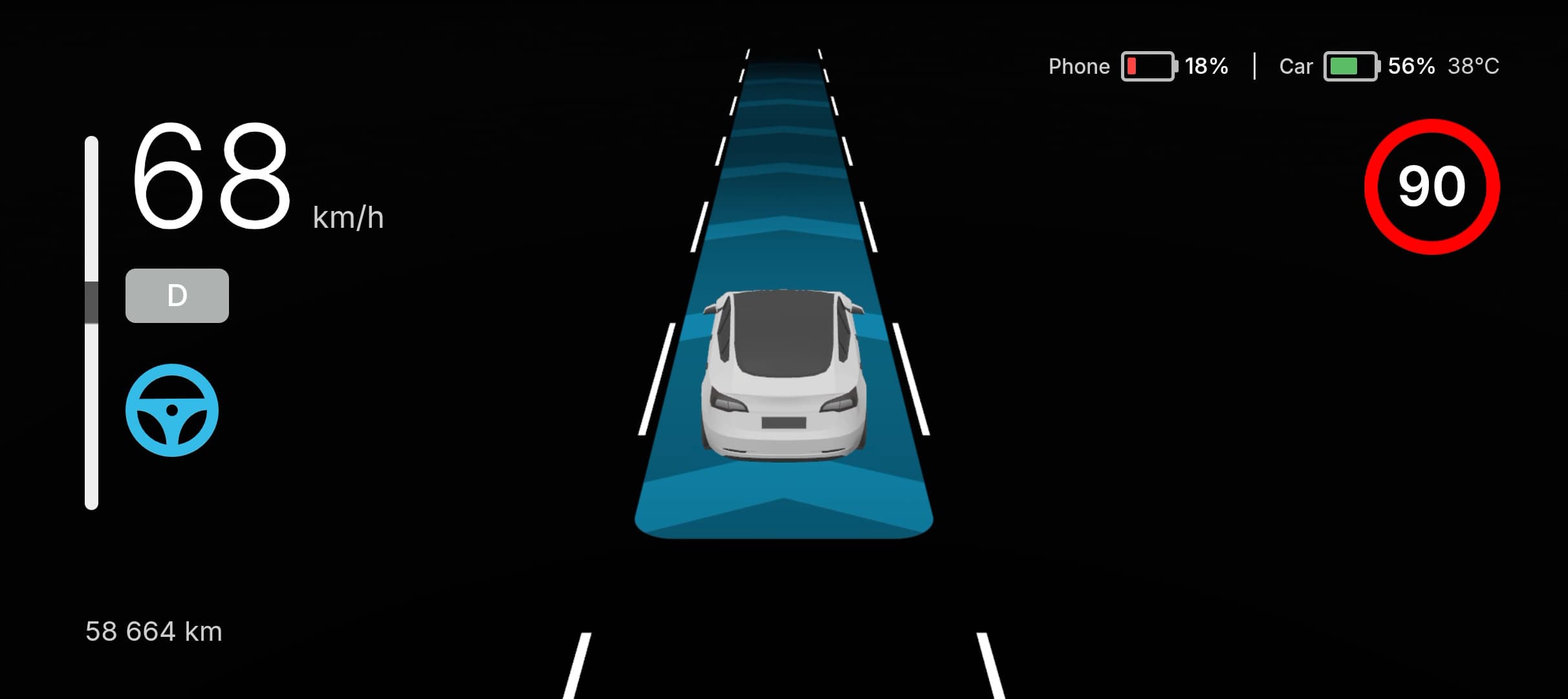
A clean, bright dash with a live 3D road view — your car, the lanes, and surrounding traffic rendered as you drive.

  • 3D road view
  • Speed & gear
  • Steering angle
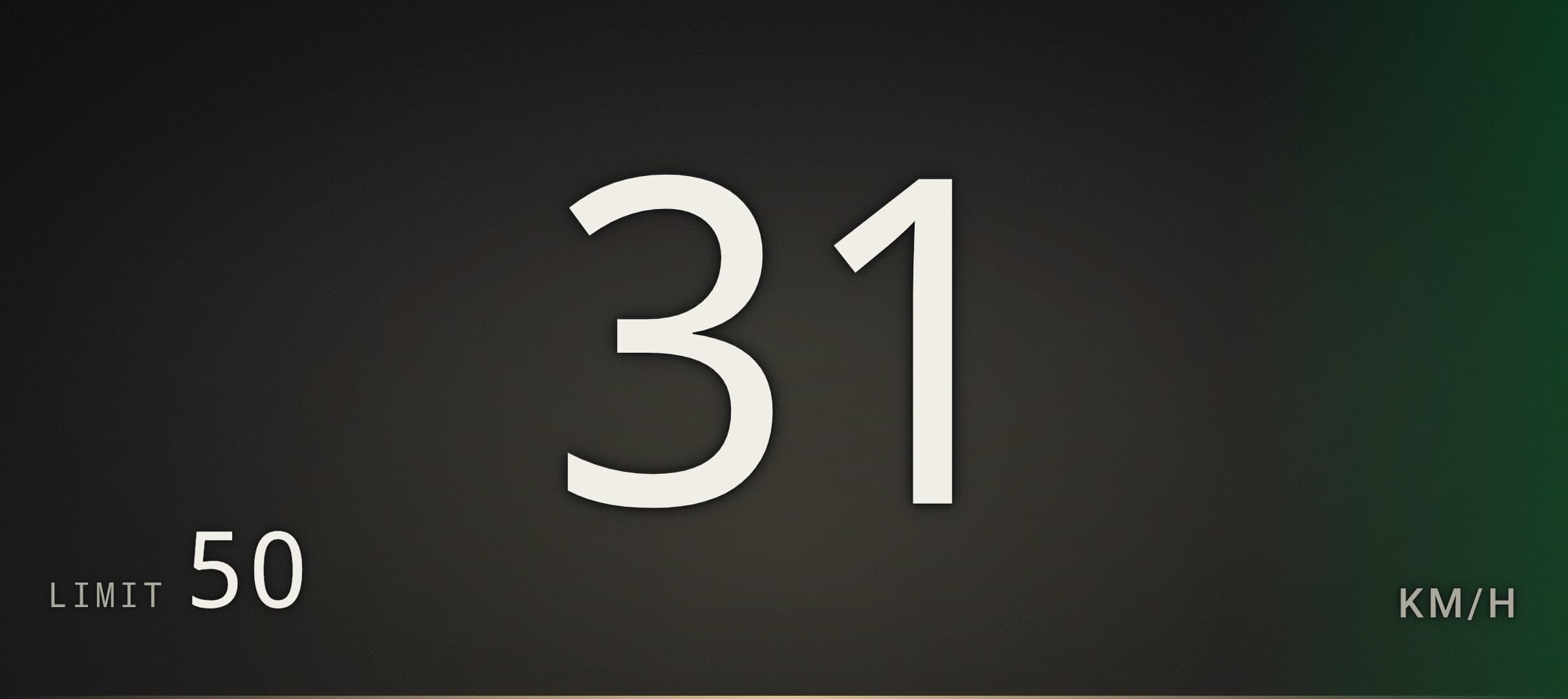
The Ambient dash app running in DashPilot

Ambient

A minimalist dark theme with breathing animations. One big speed readout, set speed, and an at-a-glance assist indicator.

  • Minimalist
  • Set speed
  • Assist state
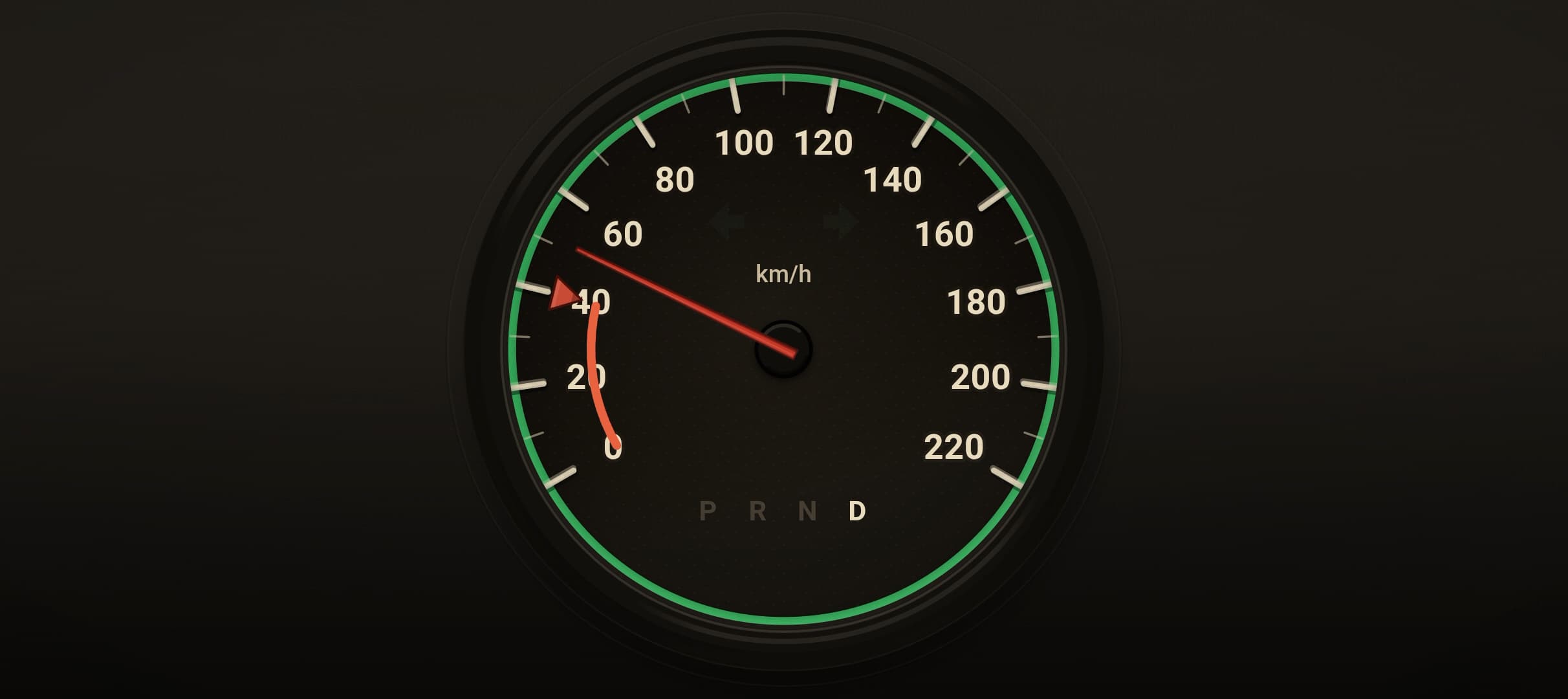
The Analog dash app running in DashPilot

Analog

A classic needle speedometer with a retro instrument-cluster look, complete with gear and speed limit.

  • Analog gauge
  • Retro cluster
  • Speed limit
The Retro dash app running in DashPilot

Retro

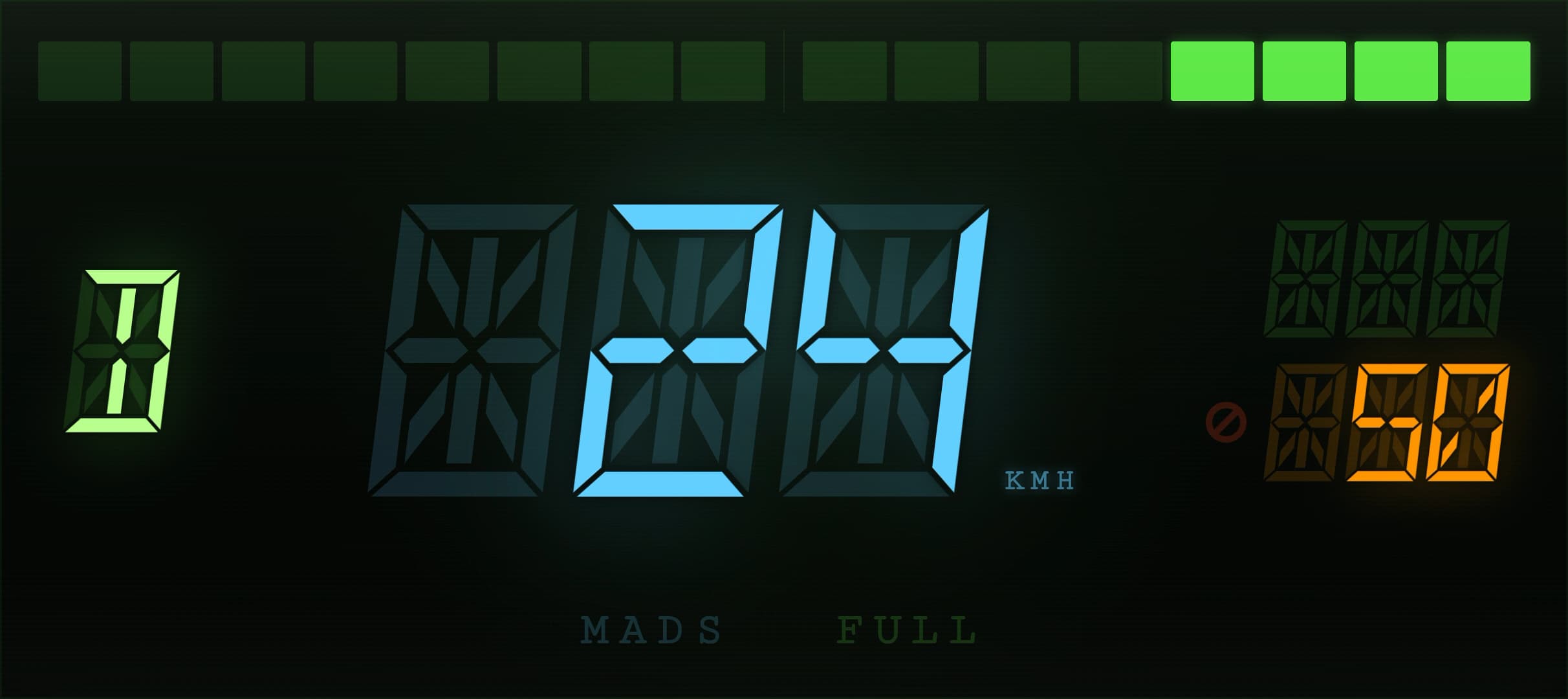
Fourteen-segment LED displays with a CRT scanline glow and an animated blind-spot LED tape running down each side.

  • 14-segment LED
  • CRT scanline
  • Blind-spot tape
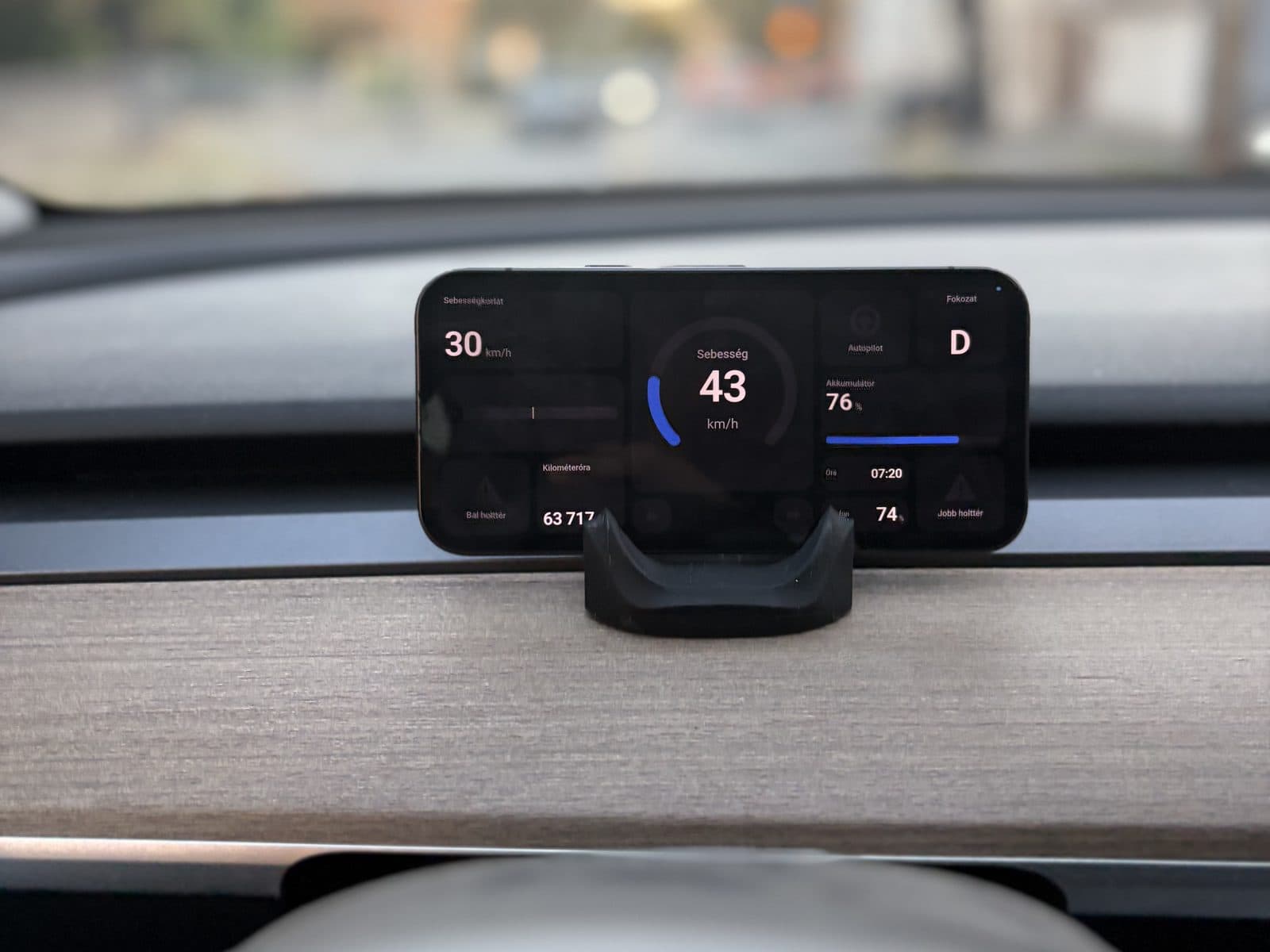
The Expo dash app running in DashPilot

Expo

A modern, component-built layout — a sweeping speed arc, steering indicator, and a speed limit sign with distance.

  • Speed arc
  • Steering
  • Limit distance
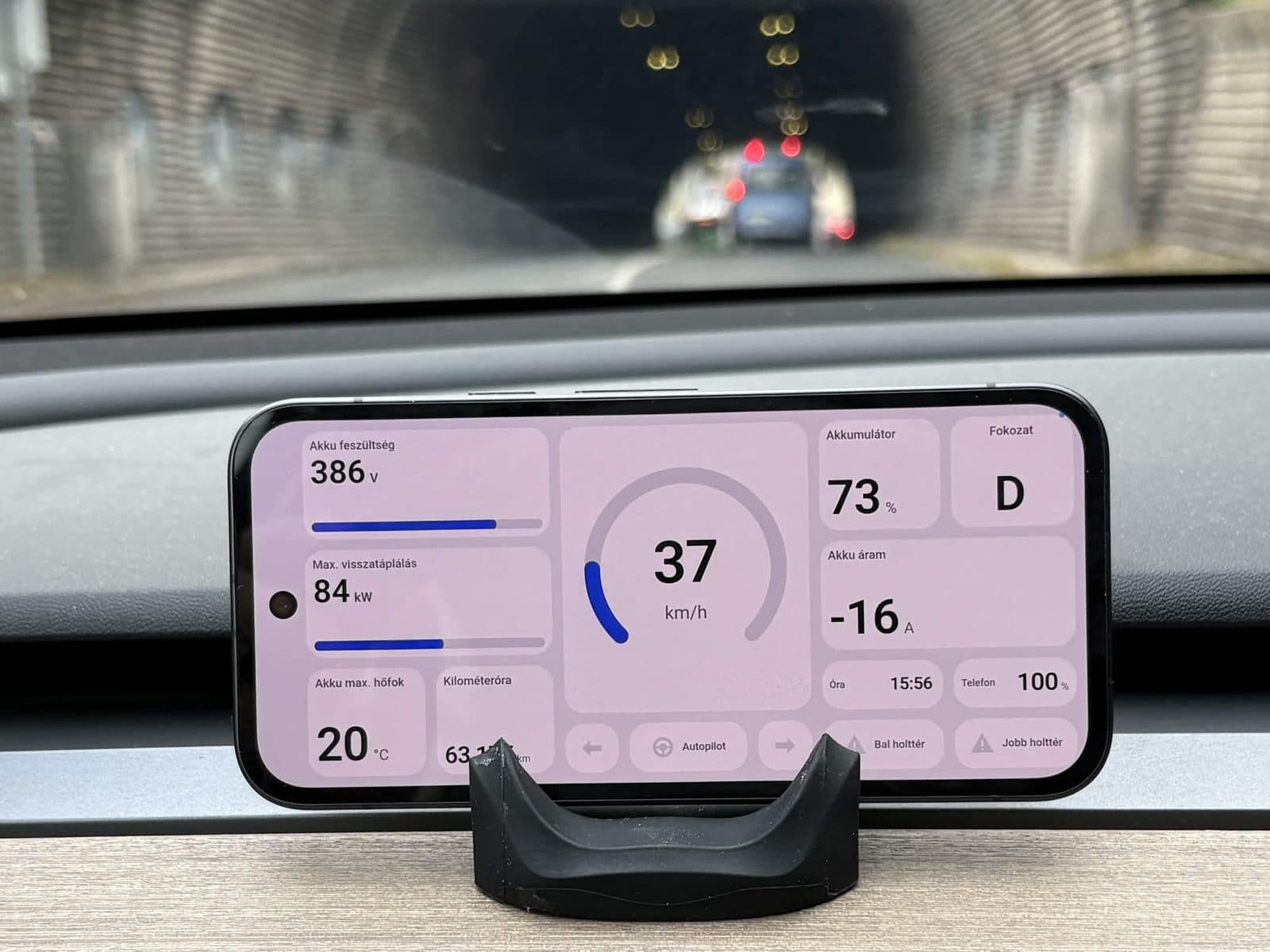
The Rive dash app running in DashPilot

Rive

A widget-grid layout powered by Rive vector animation: speed limit, gear, steering angle, upcoming lights and stop signs, time and temperature.

  • Widget grid
  • Traffic light
  • Stop sign

Live telemetry

Everything DashPilot can read

DashKit pulls these signals straight off your car's bus. Each dash app surfaces its own selection — the minimalist dashes stay clean and focused, while richer ones like Vanilla show nearly all of it. Not every dash shows every readout.

Always-on blind spot monitoring

Blind-spot detection with side indicators: a passive amber warning when a vehicle is alongside, escalating to a pulsing red alert when you signal into that side or drift out of your lane.

Autopilot / assist status

Shows whether the car is driving itself, with colour-coded MADS (lane assist) and FULL (auto) states versus manual.

Turn signals

Left and right blinker indicators mirror the car's turn signals in real time.

State of charge

Battery charge shown as a percentage with a fill bar that turns red at 20% or below.

Battery temperature

Average battery pack temperature, shown in °C or °F depending on your units.

Speed & gear

A live speed readout in km/h or mph, alongside the current gear (P / R / N / D).

Speed limit & ACC set speed

The current road speed limit and your adaptive-cruise set speed, with an overspeed warning when you exceed the limit.

Lane departure warning

Left / right alerts when the car drifts out of its lane.

Speed camera warning

Distance to an upcoming speed camera, surfaced as a warning as you approach.

Seatbelt & door warnings

Alerts when a seatbelt is unbuckled while driving or a door is left open.

Steering angle

A live steering-wheel indicator that reflects the wheel angle and changes colour when ADAS is active.

3D road view

On the Vanilla dash, a rendered view of your car, its lane, surrounding traffic, upcoming traffic lights and stop signs.

Power & odometer

A power bar showing discharge and regen, plus the vehicle's odometer reading.

Get the dash on your phone.

Order DashKit, pair over Bluetooth, and pick the dash that fits your drive.